One camera records what happened. Two cameras let you decide what the viewer sees. That is the whole difference, and it is why the jump from one to two changes more about a video podcast than any other upgrade you can buy.
What one camera actually costs you
With a single angle, every edit is visible. Cut a rambling answer and the frame jumps. Remove a cough and the head teleports. So most people stop editing entirely and publish the raw take, which means the pace of the finished episode is exactly the pace of the conversation, including the parts where nobody was saying much.
You also cannot crop for social without losing quality, because the one frame you have is already framed for the full episode.
What the second camera buys
- Invisible edits. Cut to the other angle and the join disappears.
- Pace. You can tighten a forty minute conversation to twenty eight without it feeling chopped.
- Reaction. The listener’s face while somebody answers is often the best shot in the episode.
- Clips. A tighter angle crops to vertical cleanly, where a wide two-shot does not.
The second camera is not about production value. It is about being allowed to edit.
Where a third camera earns its place
A third angle is worth it once you have more than two people, or when you want a wide establishing shot that shows the room. With two guests and a host, three cameras means every speaker has a clean single and you still have somewhere to cut when two people talk at once.
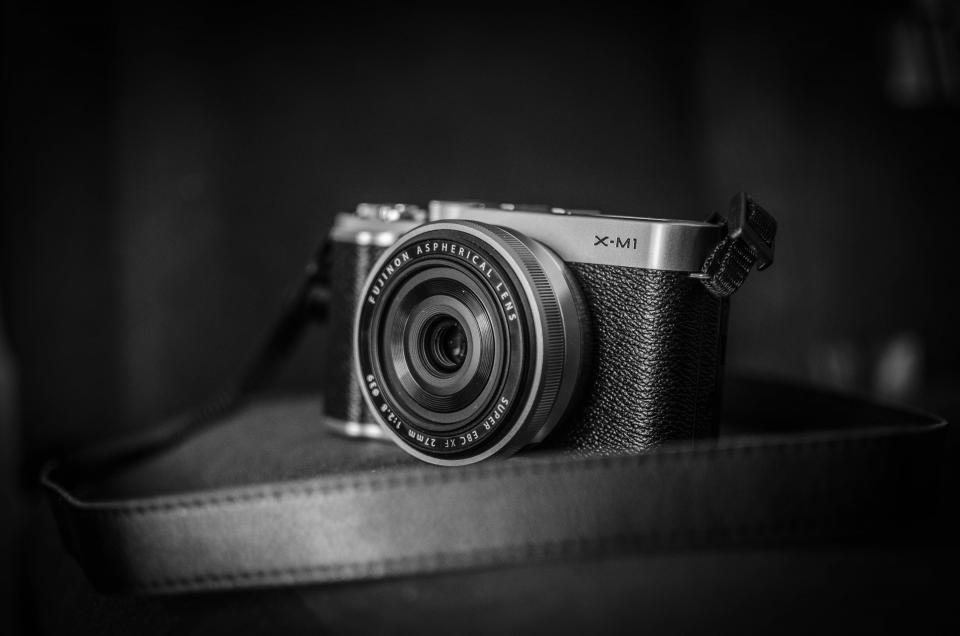
Below that, a third camera mostly adds footage to sort through. More angles is not automatically better, and every extra camera is another thing to sync, match and colour.
Matching, and why it matters more than the model
Cameras that do not match are more noticeable than cameras that are not expensive. If one angle is warmer or sharper than the other, every cut announces itself.
Matching means the same white balance, the same exposure, and ideally the same picture profile. It does not mean identical bodies. Two different cameras set up deliberately will cut together better than two identical ones left on auto.
The settings that decide whether angles cut together
- Lock white balance on every camera to the same value. Auto drifts, and it drifts differently per body.
- Lock exposure. Same reason.
- Match frame rate. Mixing 24 and 30 creates problems no edit fixes cleanly.
- Record a sync point. A clap at the top saves an hour later, even if you also have audio sync.
What this looks like when you book it
On a studio-only booking, bring what you like and run it yourself. On a supported or full production session, the multi-camera setup is already rigged, matched and framed before you arrive, which is most of the work described above. The tiers are set out on the services page.
If you are weighing equipment more broadly, the ordering argument is in the gear that actually matters.
The short answer
Two, for almost everyone. One if you genuinely never intend to edit. Three once you regularly have more than two people on camera.
And if you are choosing between a second camera and a better first camera, buy the second camera. It is not close.
Questions we get asked about camera count
Do the cameras have to be the same model?
No. Matching settings matters far more than matching bodies. Two different cameras with the same white balance, exposure and frame rate will cut together better than two identical ones left on auto.
Can I add a second camera to a room-only booking?
Yes. Bring whatever you like on a studio-only session. If you would rather not carry gear, the supported tiers include the multi-camera setup already rigged and matched.
What about a phone as the second angle?
It works better than people expect for a cutaway, provided you lock exposure and white balance and keep it on a tripod. It will not match a cinema camera exactly, but a slightly imperfect second angle beats no second angle.
How do you keep multiple cameras in sync?
Audio waveform sync handles it in most editing software. A clap at the top of the session gives the software something obvious to lock onto, which is why it is still worth doing.
Where the money actually goes
People assume a multi-camera setup is mostly about the cameras. In practice the cost sits in the time: rigging, framing each angle for the specific people in the room, matching settings, then syncing and cutting afterwards. The bodies are the cheapest part of the equation once you account for the hours.
That is the honest reason a supported session costs more than the room. You are not renting extra cameras, you are buying the setup and the edit that the extra angles make possible.
The bottom line
Two cameras for almost everyone, because two is where editing becomes invisible and clips become possible. Three once you regularly have more than two people talking. One only if you genuinely intend to publish the raw take.
And if the choice is between a second body and a better first one, buy the second. A modest second angle unlocks more than an expensive single angle ever will.
One last practical note. Before you commit to a second body, check that your recorder or interface can give each microphone its own track. Multi-camera without multi-track audio solves half the problem and leaves the harder half in place, because you still cannot fix one person being quiet without affecting the other. Sort the audio routing first, then add the angle.
Worth saying plainly for anyone weighing this against a room-only booking: if you are recording once a month, the arithmetic almost always favours a supported session over buying a second camera. The setup, matching and syncing described above is several hours of work per shoot, and it is work you would be doing yourself every single time rather than once.
Multi-camera is set up and matched before you sit down. Studio only from $75/hr.